Fashion and apparel
An apparel maker whose reps tour multi-brand stores plans the week by city and sees who went without a visit.
 Colin
Talk to us
Start free
Colin Sales · Sell
You gather the accounts that need a visit, Colin Sales builds the day's route and the salesperson checks in from their phone at each customer. By late afternoon the route tells you what was visited, what was left for later and where the check-in didn't match the address.
A field salesperson leaves early with a list on WhatsApp and comes back with "I got to almost all of them". The manager doesn't know which customers went unvisited, what was said at each one or whether the day's order made sense on a map.
Then comes the temptation to track the phone all day, which nobody wants and data protection law makes harder. What's missing is simpler: a plan for the day, a record of each visit at the customer and a flag when the check-in happened far from them.
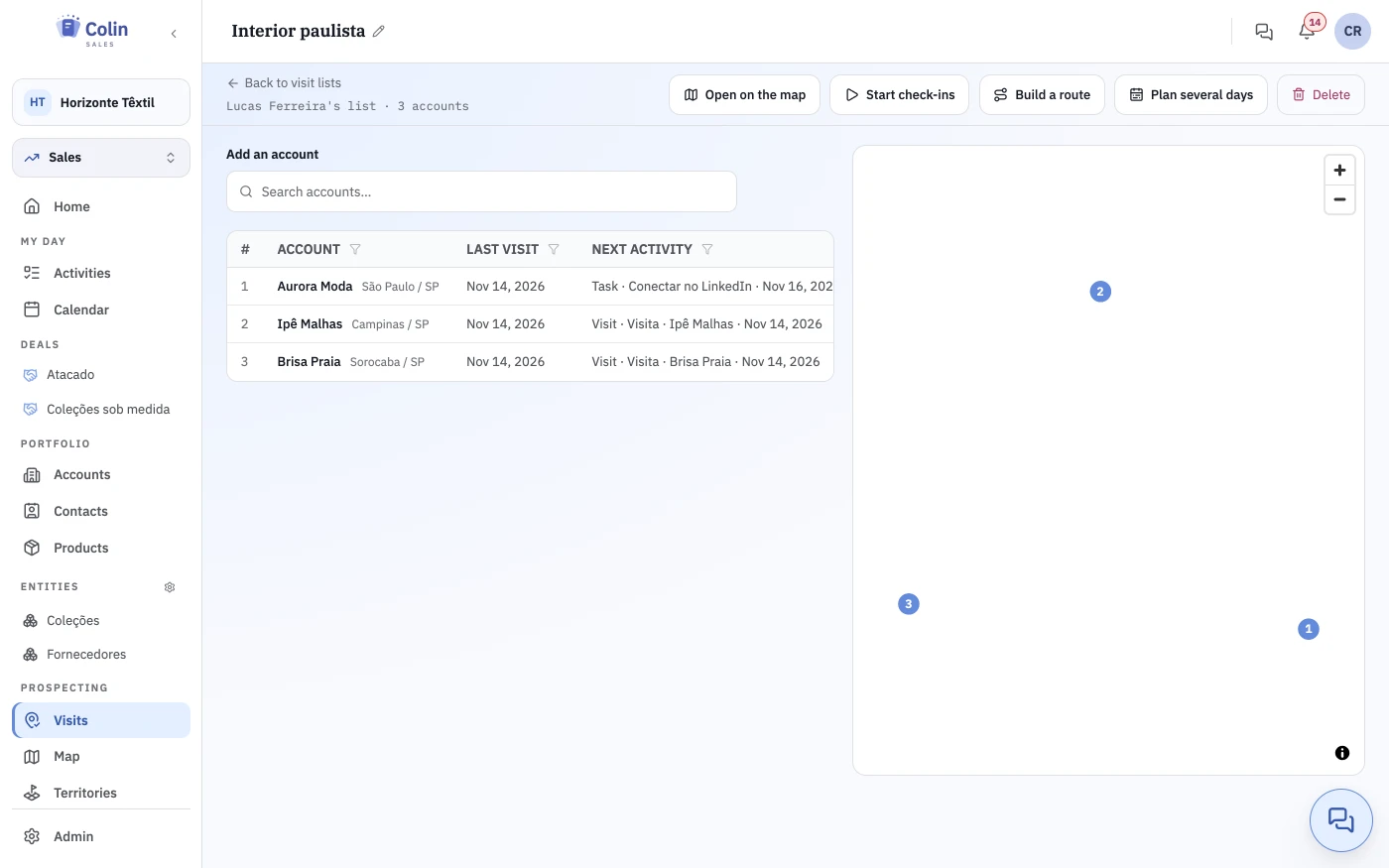
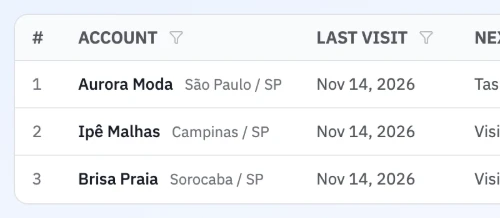
Put the accounts that need a visit in a list, with each one's city, last visit and next activity. From here you open them all on the map, build one day's route or plan several days at once.
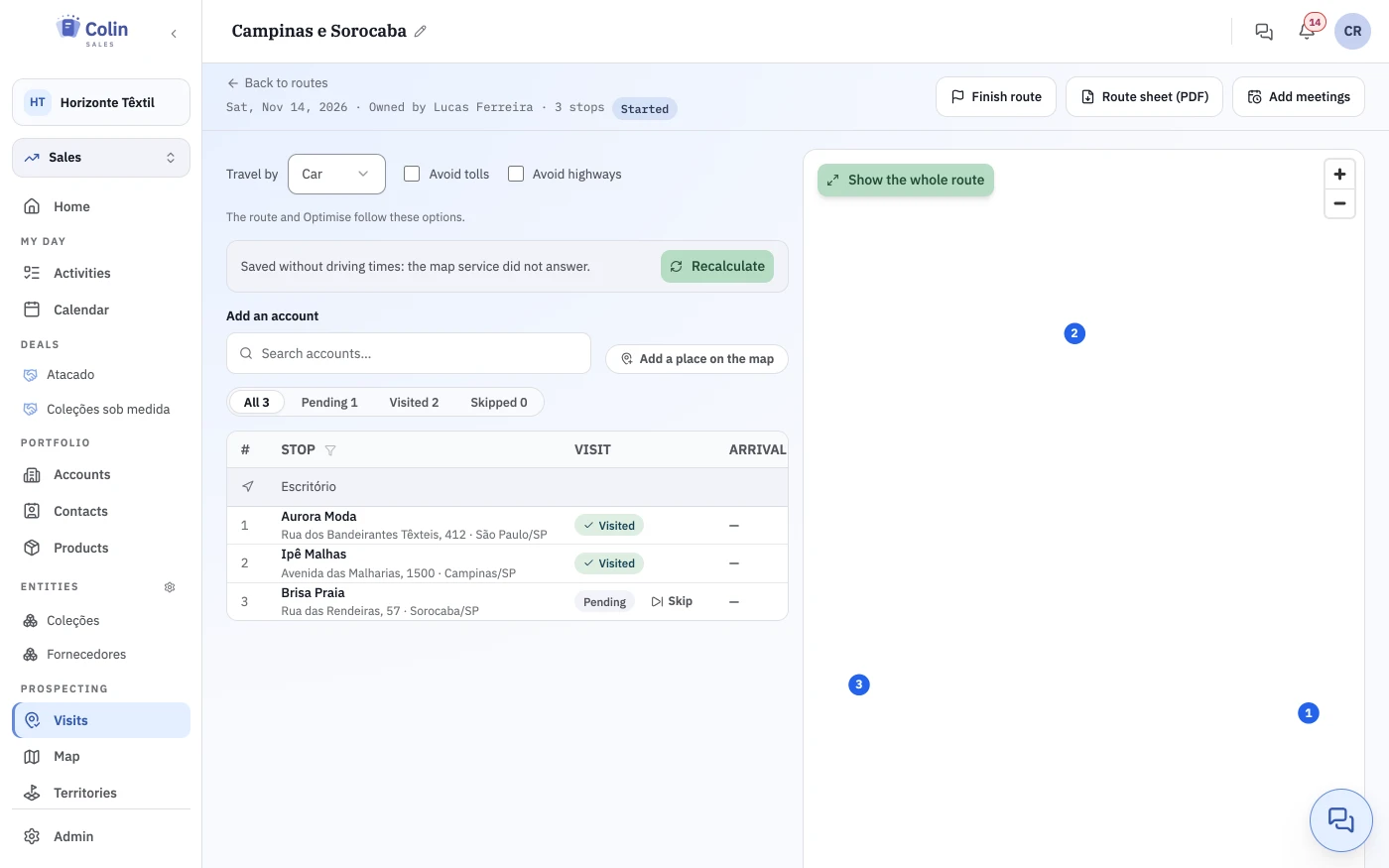
The route leaves the office and goes through the stops in the order you chose, or the one Optimise suggests. Once check-ins start, the route becomes the day's record: each stop shows whether it was visited, is pending or was skipped.
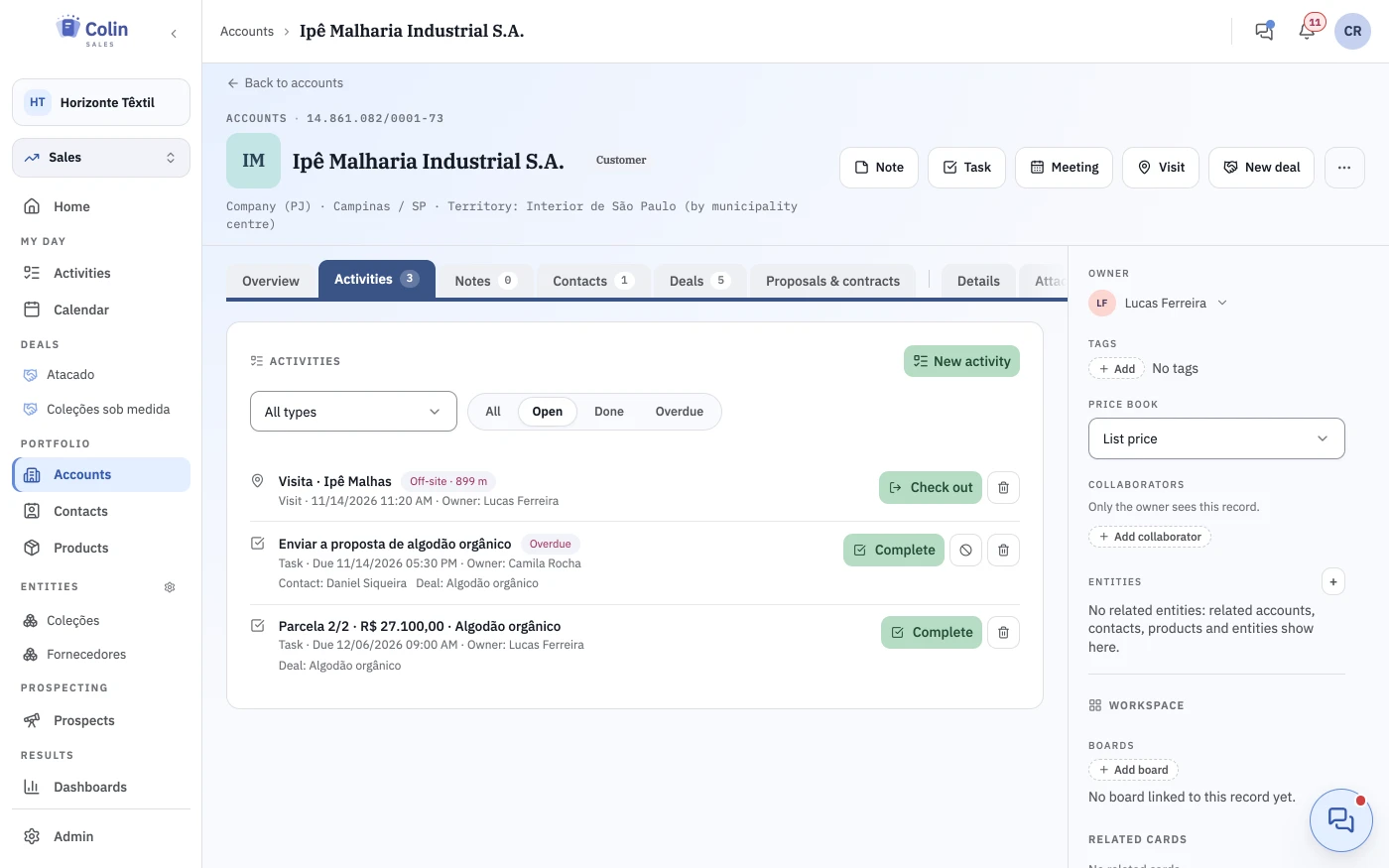
At the customer, the salesperson checks in from the app. Colin reads the location once and measures the distance to the account's address. Over 300 metres, the visit is flagged Off-site, with the distance. A check-in is never refused.
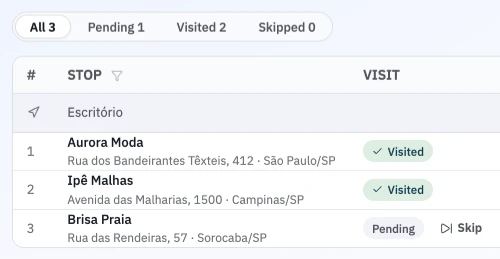
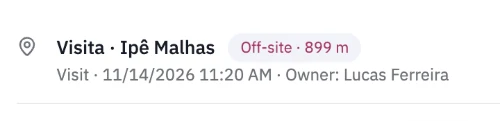
It works for any team that visits customers in person. A few examples:
An apparel maker whose reps tour multi-brand stores plans the week by city and sees who went without a visit.
A distributor with fixed-route salespeople builds the day from the area's customer list and follows each check-in.
A manufacturer that visits resellers and job sites records the visit at the customer, with notes from the talk, without a report spreadsheet.
A services company with field technicians or consultants knows which customers were served today and which were left for tomorrow.
Have meetings on your calendar? Add meetings puts each one on the route as a timed stop, and Optimise leaves it where it is.
Lists, routes and visits live in Colin's database on Microsoft Azure, Brazil South region (São Paulo). Only an account has an address on the map; contacts and deals show up at their account's place.
Colin tracks no one. The app reads the phone's location once, at check-in, and only to measure the distance to the customer. There's no background location, no history of where the salesperson went and no live position.
Coordinates are personal data: they are masked in the audit log and cleared when the account is anonymized. The map and travel times run on Azure Maps. If it doesn't answer, the route is saved without times and you can recalculate later.
It comes with Colin Sales and Colin Suite, at every user tier. Check-ins with a location are made from the Colin app on iPhone or Android. Colin Sales starts at R$ 100 per user/month.
Each new account lands in the right territory and goes to the next salesperson on the team.
A rep's day on one screen: the agenda, what's overdue and the next step with each customer.
Type the CNPJ and the account comes filled with the Receita Federal's data.
Salespeople see the day's route and check in and out at each stop, even without signal; the app sends it when the connection is back.
Location read only at check-in, coordinates masked in the audit log and cleared on anonymization.
No. The app reads the location once, at check-in, to measure the distance to the customer. There's no background location, no route history and no live position.
A check-in made more than 300 metres from the account's address. The visit is still recorded, with the distance beside it, and the manager decides whether it needs a conversation.
The visit is Unverified, but it is recorded. A visit logged on the web is Unverified too, because only the phone app reads where you are.
Check-in and check-out do: the app keeps them and sends them when the signal returns. Building and optimising routes happens on the web, online.
Before the first check-in the route is just a plan and you change whatever you like. After that it becomes the day's record: stops are neither removed nor reordered, and the route is never deleted. A stop you couldn't make can be skipped.
You click it when you want; it never runs by itself. It reorders up to 25 stops for the shortest day, without moving timed stops, the start or the end.
Yes. The Route sheet (PDF) lists the stops in order, with their addresses, for anyone who prefers paper.
Yes. In Map, each layer is a saved view of accounts, contacts or deals, with the list's filters and the same rule on who sees what. Select on the map and add to a visit list.
Administrators see every route. Visits show up in each account's activities for whoever can see that account.
Register a card, pick the apps and how many seats you want, and nothing is charged until the trial ends. Or we'll show you Colin with your company's boards and pipeline in 30 minutes.
 Chat on WhatsApp