Fashion and apparel
An apparel maker logs on the deal every email from the retailer about sizes, lead times and restocking.
 Colin
Talk to us
Start free
Colin Sales · Sell
You open the customer's email in Outlook and Colin shows up in a pane beside it. It already shows the contact, account and deal that have that address. One click and the email is in the Sales history, dated the day it arrived.
A good part of selling happens by email. The customer asks about a lead time, the rep replies with the price, someone confirms the quantity. But it all stays in one person's inbox, and the deal in the CRM still says what it said last week.
Logging it takes work: open the CRM, find the contact, create the activity, paste the text, attach the file. Someone in the middle of twenty emails skips that part. Then the manager opens the deal and doesn't know the customer asked to bring the delivery forward, and whoever covers the account while a colleague is on vacation starts from scratch.
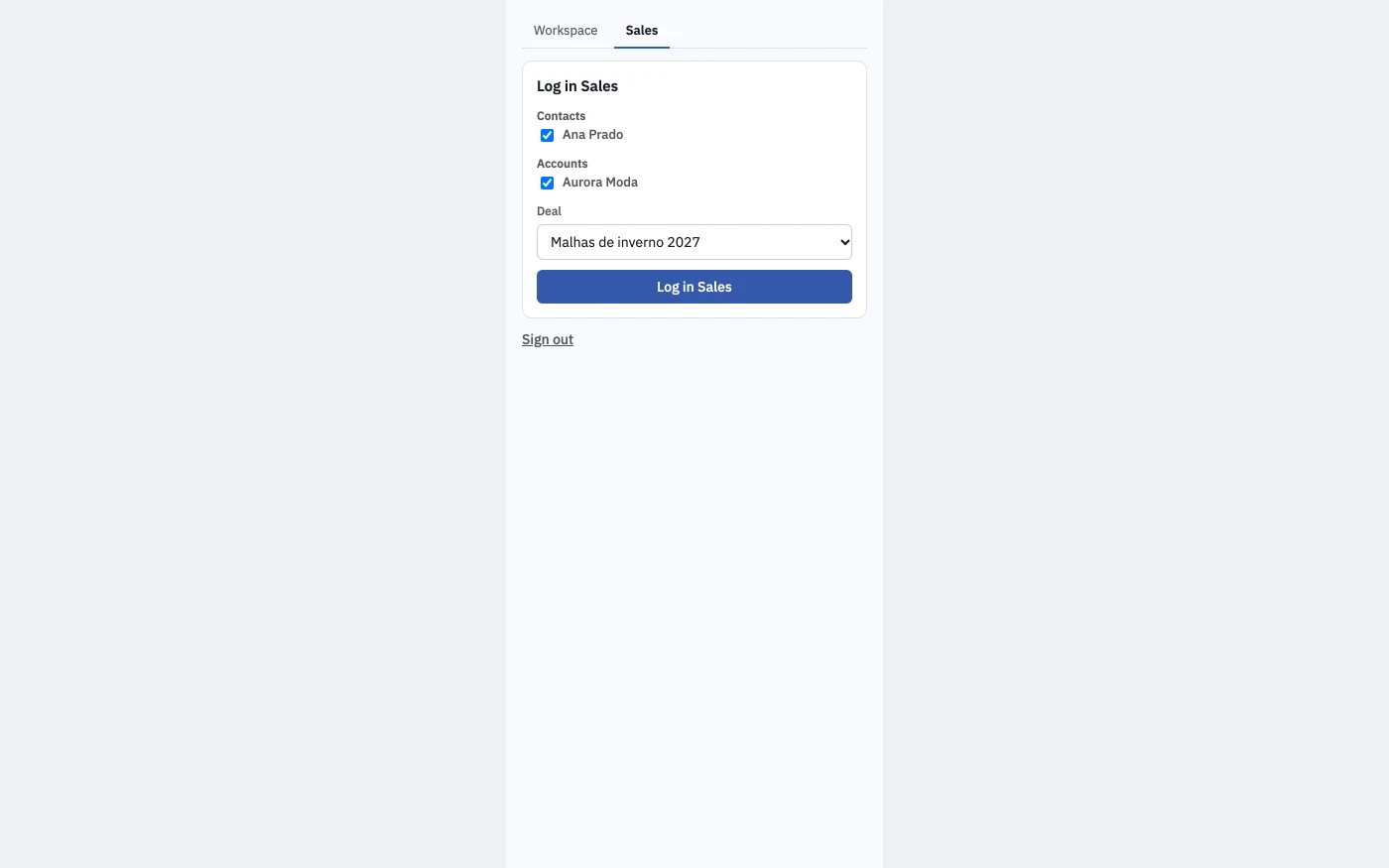
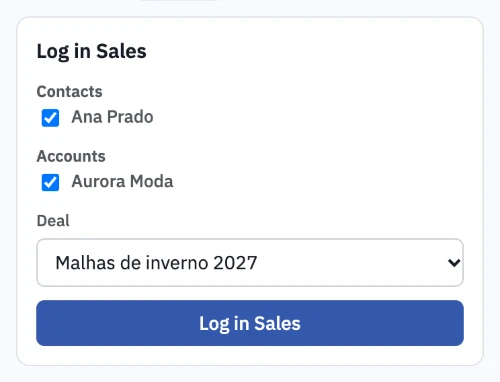
On the Sales tab, Colin shows the contacts and accounts that have the email's addresses, and their open deals. When only one open deal fits, it comes already picked. You check and click Log in Sales: the email becomes a completed activity, dated by the message, on each record you ticked.
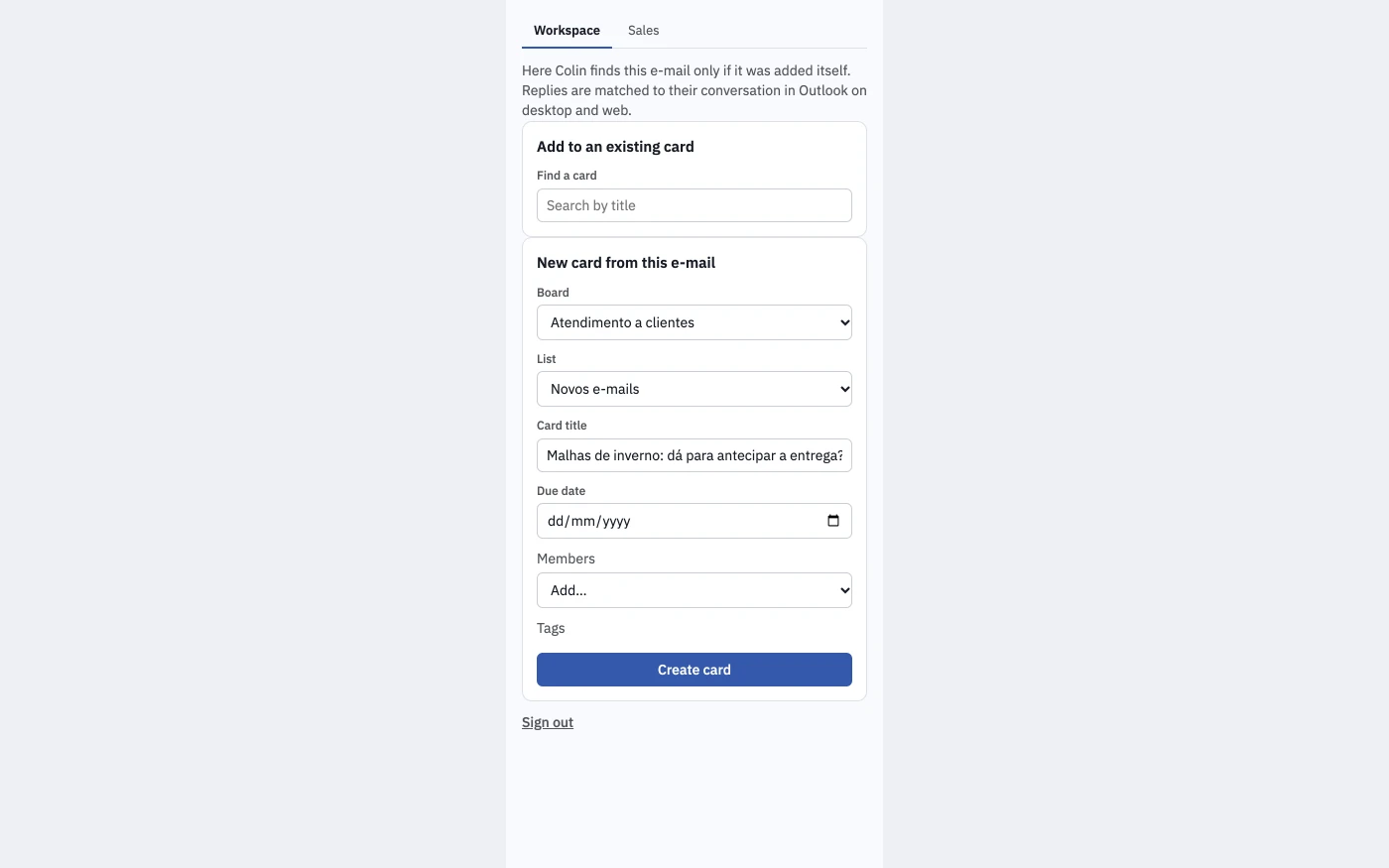
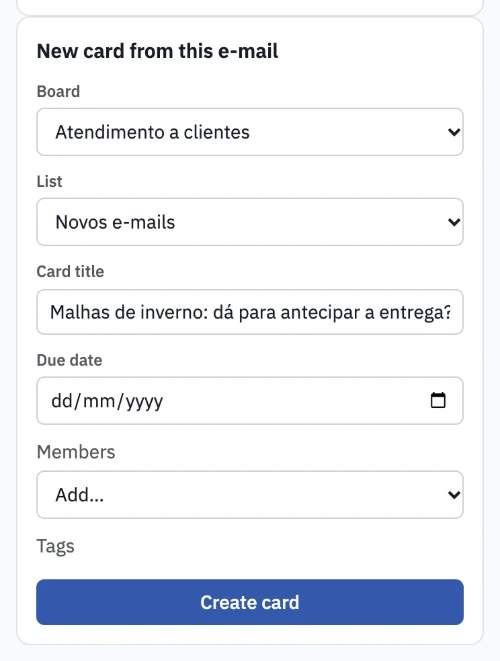
If the request needs someone on the team, the Workspace tab creates a card. The title comes from the email's subject, and you pick the board, list, due date, members and tags. The attachments you tick go with it.
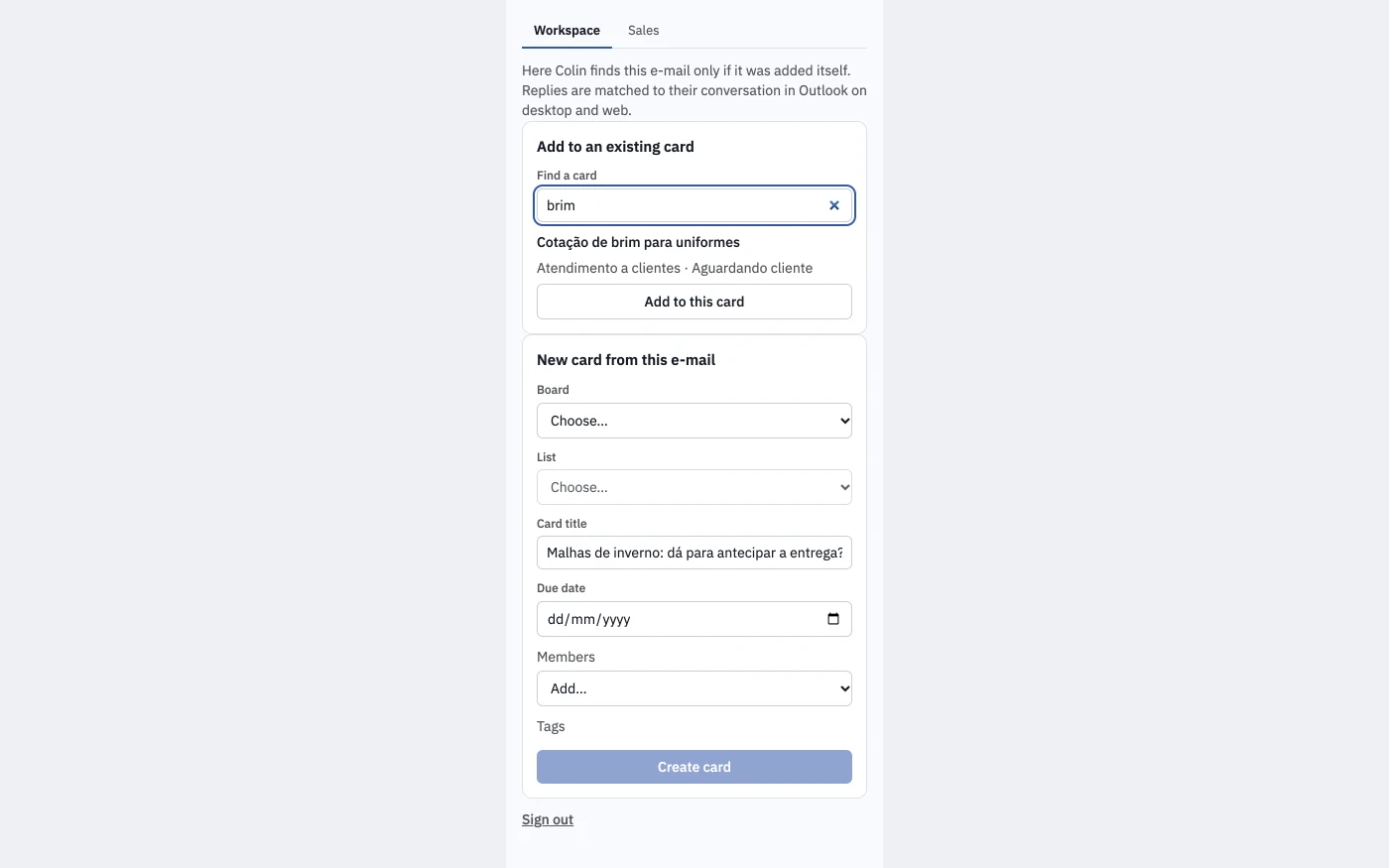
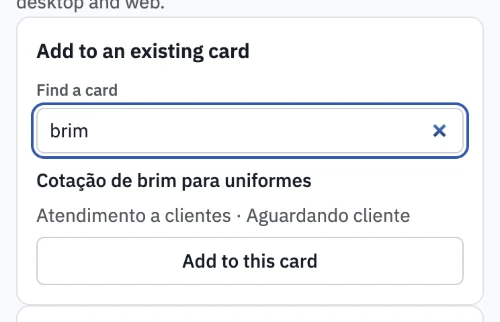
When the matter already has a card, you search by title and add the email to it. The conversation stays on the card, next to what the team has already done.
If quotes, orders and negotiations go through Outlook, the customer's history stays complete without anyone copying anything. A few examples:
An apparel maker logs on the deal every email from the retailer about sizes, lead times and restocking.
A distributor keeps the quote answered by email on the customer's account, with the spreadsheet attached.
A manufacturer keeps the email thread about specs and samples on the deal, so the engineer and the rep see the same thing.
A services company logs the proposal it sent and the customer's reply on the same deal.
A software sales team logs in Sales every email from the buyer during the evaluation.
Microsoft 365 can take up to a day to show Colin to everyone. Who gets Colin in Outlook is the Microsoft 365 administrator's call. In Colin, the administrator only turns that access on or off for the whole company.
Only the message you opened, and only when you open the pane. Colin doesn't read your inbox, keeps no access to it and logs nothing on its own. What goes to Sales or to the card is what you picked, at the moment you clicked.
The pane shows only the records you already see in Sales. A record you can see but not edit shows up, marked view only, and can't be ticked. If the sender isn't anyone's contact, Colin doesn't create one: it says it found nothing, and that's it. The same email is logged only once per person.
Signing in to the pane lasts while it's open and isn't saved on the computer. Every record made from Outlook goes into Colin's history with who made it and when, and that history can't be edited or deleted.
It comes with Colin Sales, Colin Workspace and Colin Suite, at every user tier, with no extra licenses. The pane shows what each person already has: the Sales tab for people who use Sales and the Workspace tab for people who use Workspace. Colin Sales starts at R$ 100 per user/month.
A rep's day on one screen: the agenda, what's overdue and the next step with each customer.
Type the CNPJ and the account comes filled with the Receita Federal's data.
The company mailbox connected to a board: each conversation becomes a card, and the reply goes out from it.
In Outlook on the web, the new Outlook and classic Outlook for Windows, on the Mac, the iPhone and Android. Attachments come in from Outlook on the web and on the computer.
Colin keeps no access to your mailbox. Every record respects what each person can see in Colin.
Your company's Microsoft 365 administrator installs it, once for everyone, with the manifest downloaded from Colin's Settings. After that Colin shows up in the Outlook of each person they picked.
No. It reads only the open message, when you open the pane, and saves only what you tell it to log.
The pane says it found no account, contact or deal with that address. Colin doesn't create contacts from emails; you add them in Sales if you want.
It comes in with the date the message arrived or went out, as an email activity already completed.
The ones you tick do, up to 25 MB together. On the phone the pane logs the email, but attachments only come in from Outlook on the web and on the computer.
No. It's for Outlook only. To connect a Gmail mailbox to a board, use Colin Workspace's email to card.
No. The pane works with the email you're reading, one that came in or one you already sent.
Your Office's language: English, Portuguese or Spanish.
Register a card, pick the apps and how many seats you want, and nothing is charged until the trial ends. Or we'll show you Colin with your company's boards and pipeline in 30 minutes.
 Chat on WhatsApp